A small offline device that holds your private notes - and releases them to the right person, at the right moment, only if you're no longer there to check in.
Passwords. Where the important documents are. A few last words for the people you love. Memento keeps that information safe today, and makes sure it reaches the right hands when the time comes - with no cloud, no account, and no one else in between.
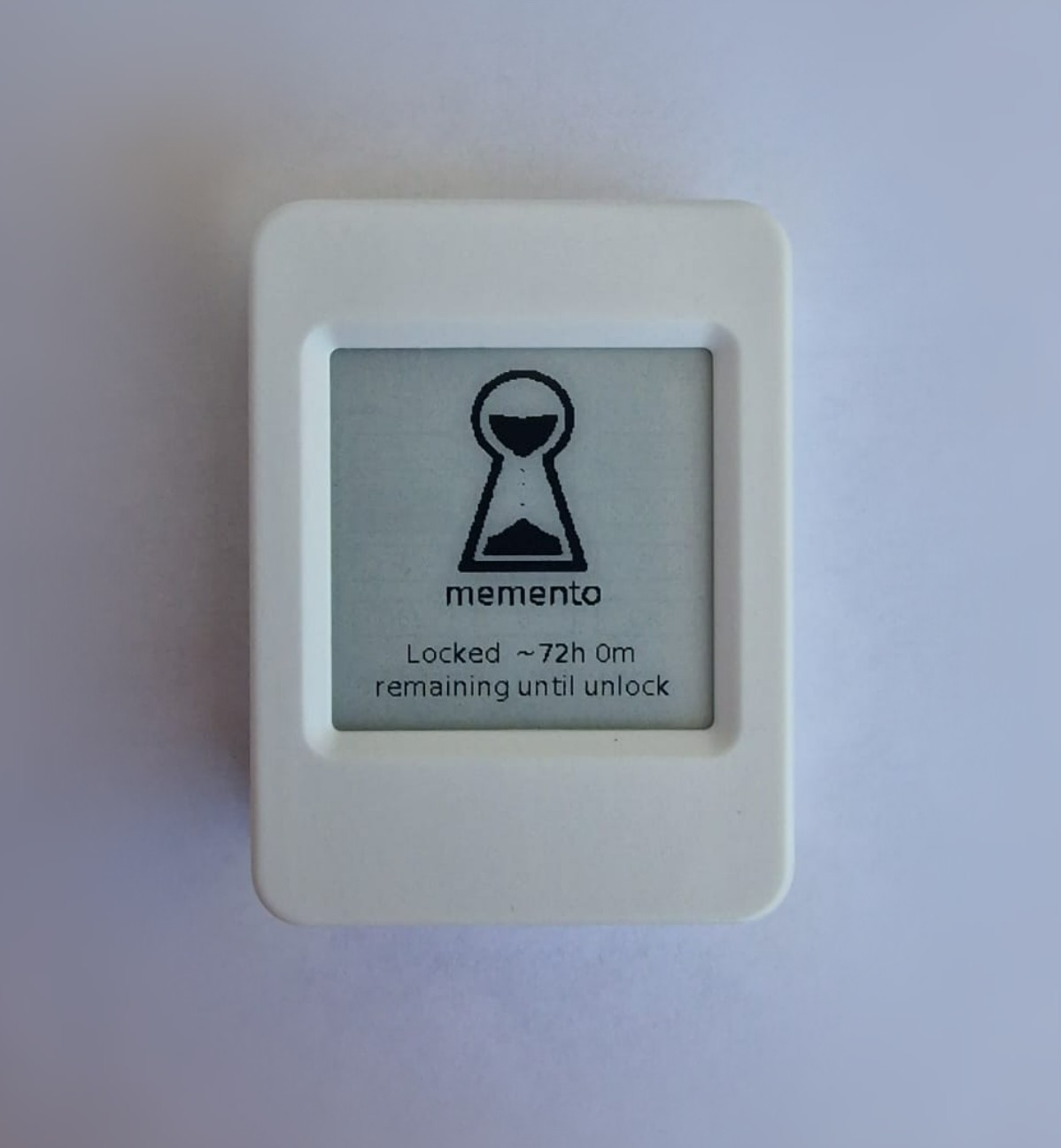
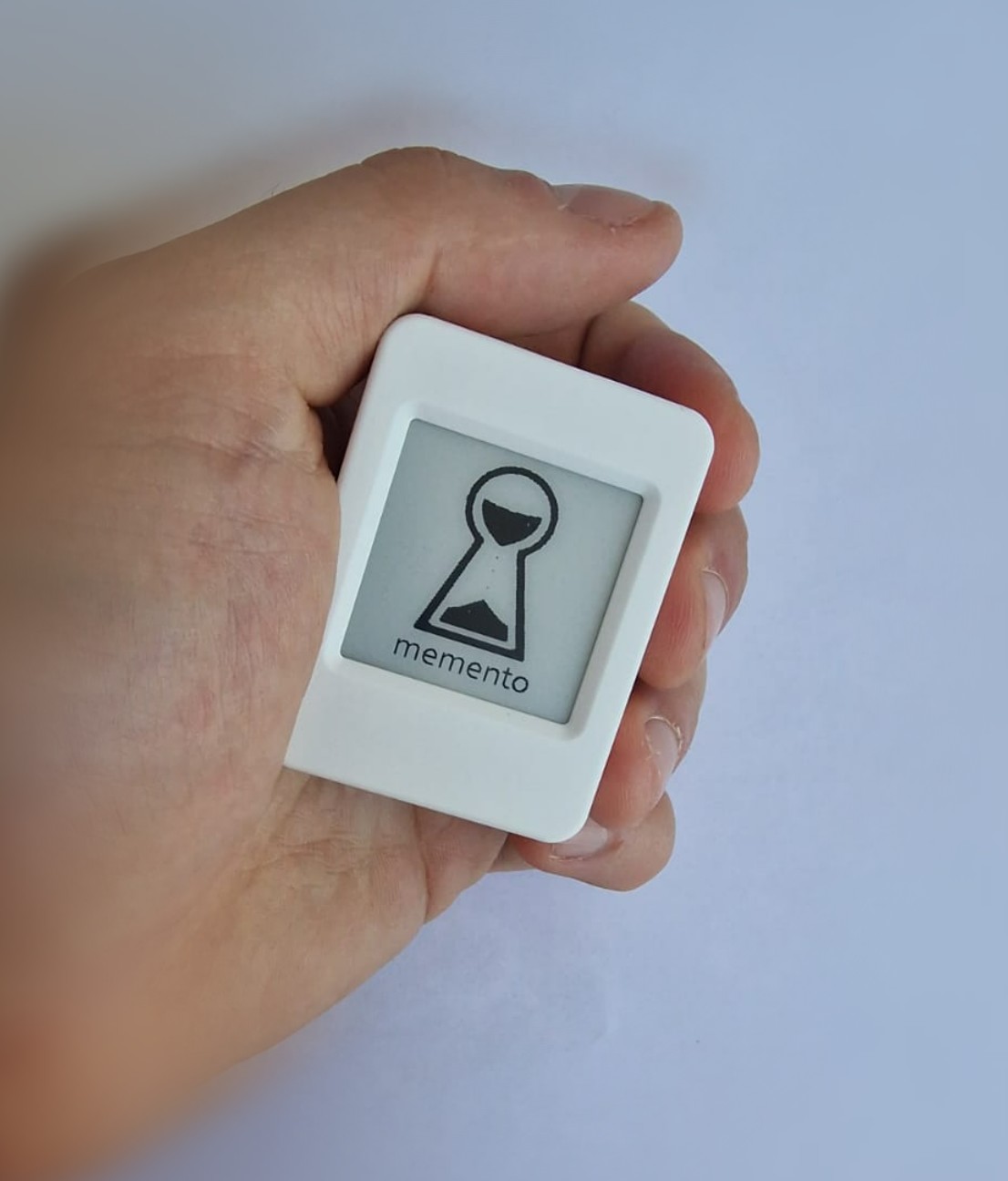
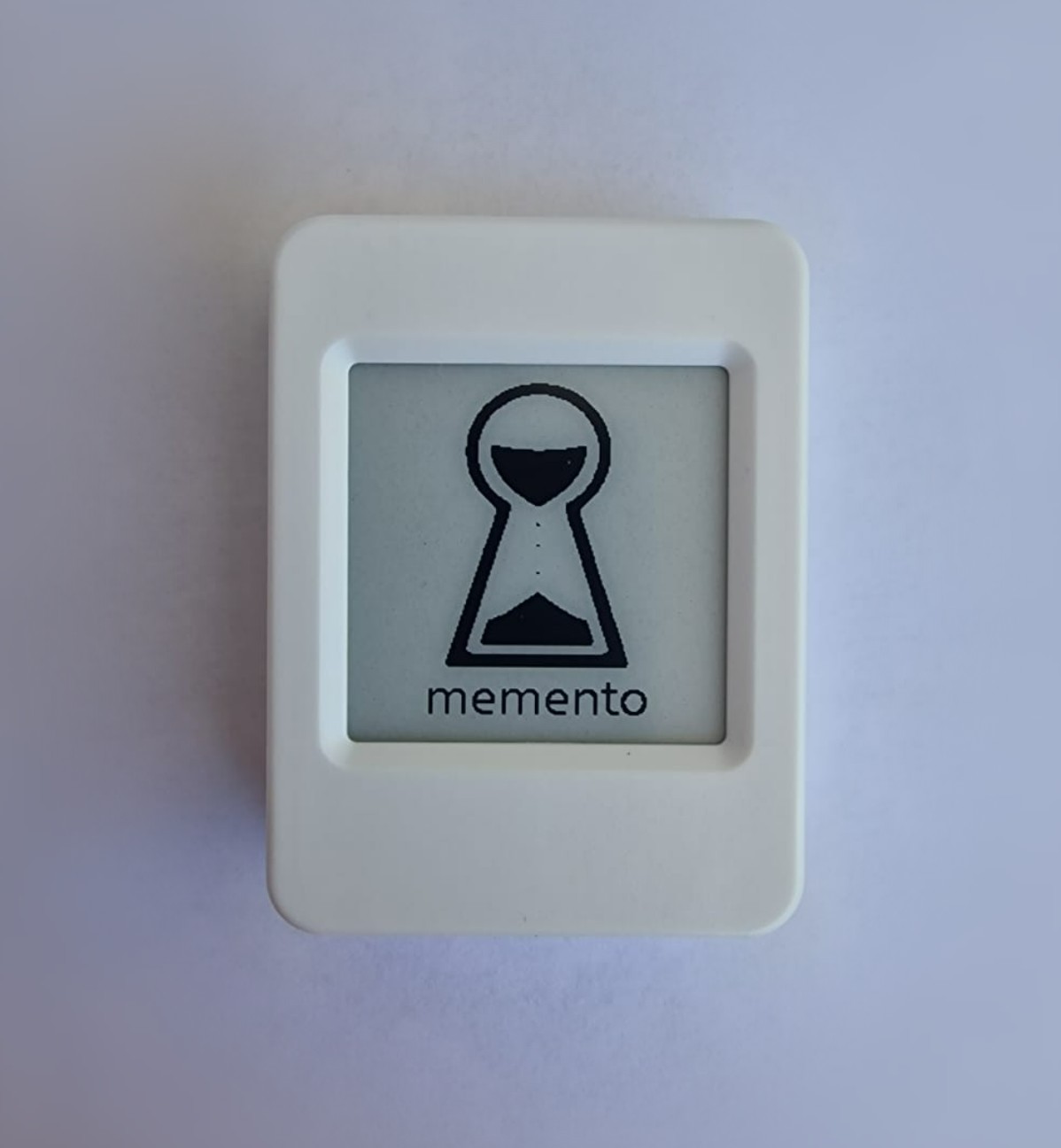
A battery-powered device with a 200×200 e-ink screen and two buttons. It holds short notes locked behind a PIN and runs completely on its own - it lives on a shelf or in a safe for months on a charge.
Enter your master PIN and every note is available, with the setup options.
Each entry is also a check-in - it quietly cancels any countdown in progress.
They enter the PIN you gave them - a countdown you set in advance begins (three days, a month, whatever you choose).
If you check in even once, the countdown cancels and nothing is released.
If you never do, it completes and they read only the notes you assigned them.
The countdown starts only when a trusted person enters their PIN, and entering your master PIN at any time cancels it. You stay in control the whole way. The clock only counts while the device has power, so a lost charge simply pauses it.
Each note is sealed with AES-256-GCM behind a key built from your PIN. The PIN itself is never stored - only the device, and the right person, can open what's inside.
Memento keeps any information you want - passwords and hints, where documents or keys are, account details, instructions, or a letter for someone you love. However, the most useful thing to store on Memento is a pointer. If the device is ever lost or held hostage, a pointer leads nowhere - passwords can be changed and valuables can be moved.
It's a practical, private helper - not a legal will. Keep anything irreplaceable in more than one place. We say this plainly because the whole point of Memento is trust, and the firmware is open source so you never have to take our word for it.
Because everything else asks you to trust something that outlives its usefulness. No cloud, no account, no subscription, no app, no software updates to chase, no company that can change its terms or quietly shut down. It's one device that does one job, offline, and keeps doing it when you're not around to manage it. You set it up once and leave it on a shelf. Nothing to log into, nothing to renew, nothing to trust except open code you can read and the device in your hand.
No to all three. Nothing to install, nothing to sign up for, nothing to subscribe to. It's offline by design - the only network it ever creates is its own private Wi-Fi, for the few minutes you spend setting it up, and even that never touches the internet.
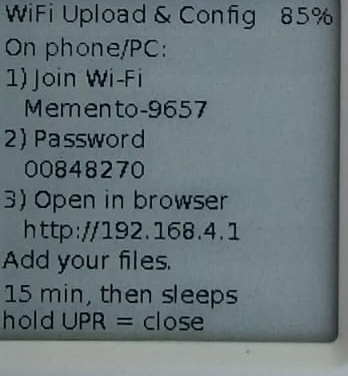
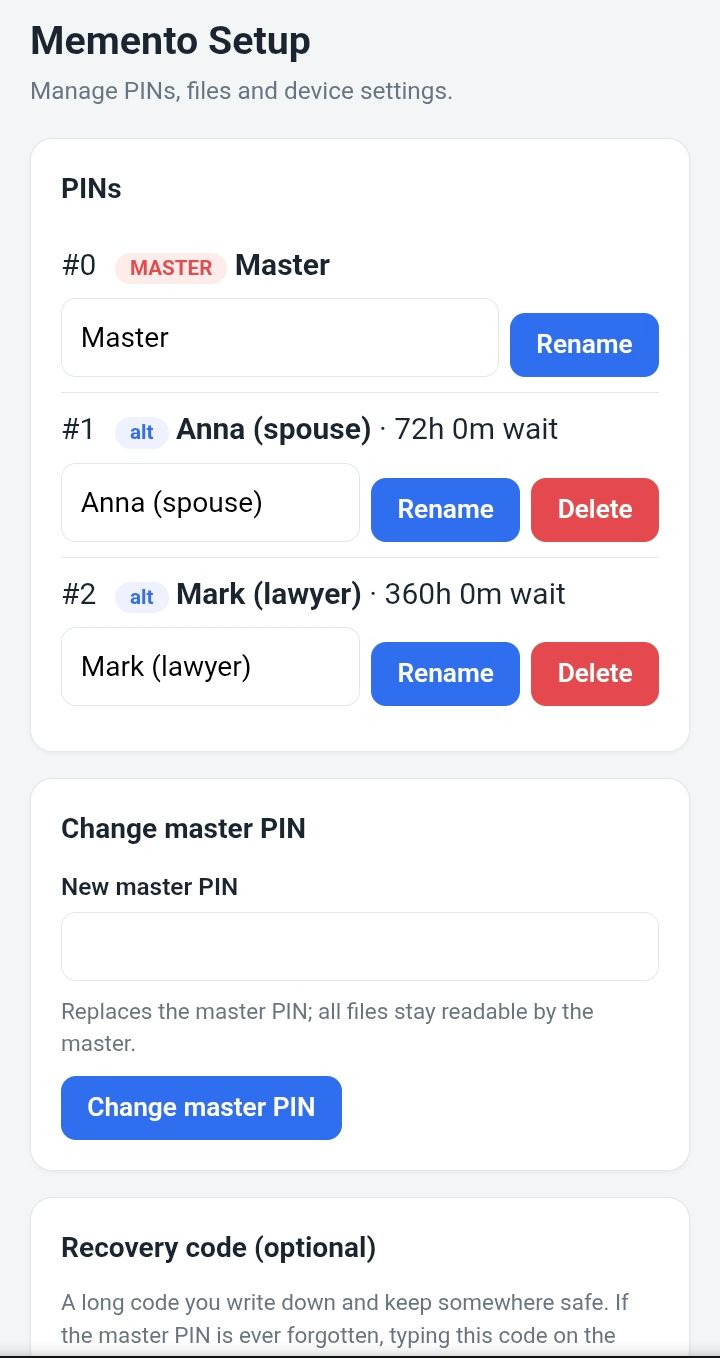
In the Wi-Fi setup (see the Setup section above), you create an alternative PIN for each person you trust, set their waiting time, and choose which notes are theirs. Give them that PIN yourself - they simply keep it until it's needed. The countdown is only a safeguard: if a release is ever started while you're still around, entering your master PIN cancels it.
Any information you want, kept as plain text - passwords and hints, where documents or keys are, account details, instructions, or a letter for someone you love. There's room for up to 64 separate notes, each holding up to about 20 KB of text (several pages - a few thousand words), far more than most people ever need.
Memento holds short text notes only, and its firmware doesn't read memory cards - but the board does have a microSD (TF) slot, so a card can physically sit in the device. For anything larger, put the files in a password-protected, encrypted archive (like an encrypted ZIP) on a microSD card or USB stick, and store only that archive's password on Memento. The bulk stays on the card, opened on a computer when it's needed; Memento just keeps the small secret that unlocks the big one.
There is an option to leave a message on the device before the PIN screen. You can leave contact information there in case you lose the device and someone finds it. If it gets really lost or broken, what's on it is gone - there's no cloud copy, by design.
You can set an optional recovery code when you configure the device - keep it somewhere safe. Without one, there is deliberately no backdoor; that's what makes a device worth trusting with secrets in the first place.
Months. It sleeps almost all the time and e-ink holds its image with the power off. Keep it charged while a countdown is running, since the clock only advances while the device has power - an empty battery simply pauses it.
The code being open is the point. What you pay for isn't the code; it's the finished device: sourced, assembled, hardened, tested, and ready to use out of the box. And if you'd rather build your own from the repo, please do.
Yes - two short guides you can download and read at your own pace:
How It Works (PDF) - the device, the time-release mechanism, explained plainly in a diagram.
Trusted Person Guide (PDF) - A guide for the trusted persons to navigate trough the device and reach the information left for them.
I'm a solo maker gauging interest before a small first run. Leave your email and confirm your interest. I'll let you know if and when it's ready to order.